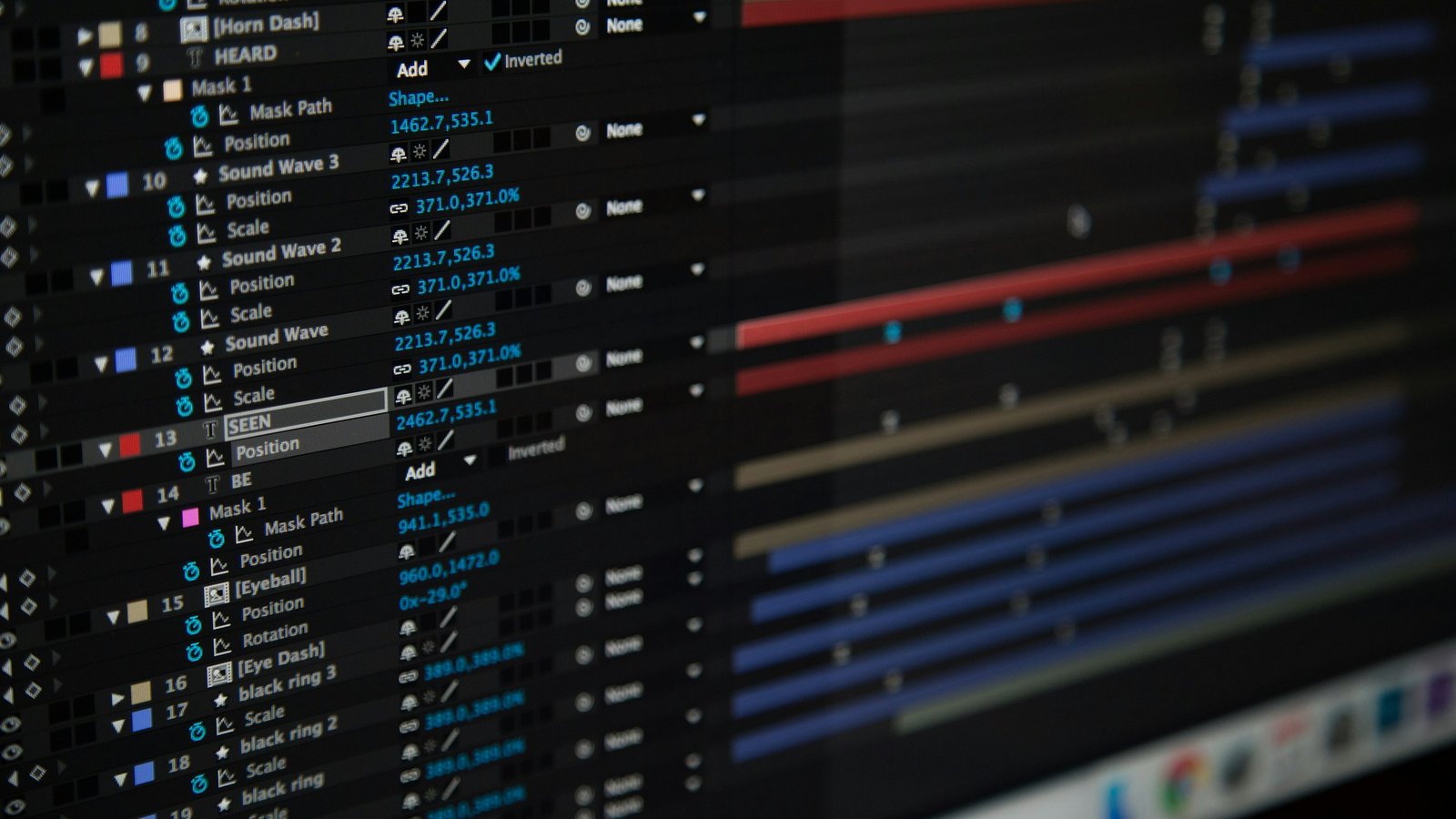
Motion graphics are graphics with movement: text and design elements, set in motion.1 Motion graphics animation doesn’t mean a full animated film with defined characters, a plot and a narrative arc: it usually means shorter pieces of animation that entertain or inform.1 A video needs them when something has to be read, explained or recognised that the footage can’t show on its own: a title, a figure, a step in a process, a brand.
What motion graphics is
Adobe describes motion graphics as a design discipline that combines graphic design and animation to communicate ideas and explain concepts.2 It brings typography, illustration, colour and composition together with movement, timing and sound.2 Put simply, motion graphics are animated graphics, and what moves is usually what the viewer has to read or remember. You will also see the craft called motion design, and the people who make it called motion designers or motion graphics designers.
Motion graphics and animation
Animation is a broad field that often centres on characters and storytelling.2 Motion graphics is one type of animation: it uses text, graphics, logos and illustrations to explain ideas or support a brand’s communication.2 The difference is purpose more than technique. A character walking through a story is animation. A price, a route on a map or a product’s features appearing beside the footage is motion graphics. Both can be flat or built in 3D: 3D motion graphics give the same type, logos and shapes depth, light and a moving camera.
| Animation | Motion graphics | |
|---|---|---|
| Built around | Characters and storytelling | Text, graphics, logos and illustrations |
| Made to | Tell a story | Explain ideas, inform or support a brand |
| Usual length | Up to a full animated film | Shorter pieces |
Where it shows up in an edit
- Titles and credits: the name of the film, the episode or the speaker, set in motion at the start or the end.
- Kinetic captions and text animation: the spoken words or the key lines on screen, animated in time with the voice and the cut.
- Lower thirds: a name and a role across the bottom of the frame while someone speaks.
- Logo reveals: the logo, icons and other brand assets, animated.
- Transitions: graphic wipes and moves that carry one shot into the next.
- Explainers and demos: a service, a process or an app, shown step by step.
- Data: figures and charts that build as the viewer watches.
- Social media: short motion graphics for posts and reels, where imagery, text and movement are made for the feed.
When a video needs motion graphics
Not every video does. A person speaking well to camera can carry a video alone. Motion graphics earns its place when it does a job the picture can’t, and these are the situations that call for it.
When the words have to be read
A viewer who watches on mute only gets what is on the screen. We cut for the feed, where the first second decides everything: the hook, the pace, and captions that work with the sound off.3 Google’s guidance for YouTube ads is to reinforce the message with audio and text.4 Kinetic captions and on-screen words do both: they carry the message in silence, and they underline it when the sound is on.
When the idea has nothing to film
A process, a service, a piece of software, a figure that has changed: some subjects give a camera nothing to point at. Adobe lists turning complex ideas into easy-to-understand animations, such as tutorials, explainer videos and product demonstrations, among a motion designer’s work.2 Agencies have used short animated graphics to break complex processes down into simple steps.1
When the brand has to stay in view
Google’s guidance for YouTube ads says to introduce your brand or product from the start and maintain that presence.4 Its four principles for effective video ads are attention, branding, connection and direction.4 A logo that animates in, lower thirds in the brand’s colours and a closing card keep the brand on screen without stopping the story.
When the eye needs a guide
Motion draws the eye and holds attention in a way static graphics can’t.1 Adobe’s advice to motion designers is to use movement, scale and timing to guide viewers towards the most important information first.2 A number that counts up, an arrow that lands on the right part of the frame, a word that appears on the beat: each one tells the viewer where to look.
When to leave it out
The same pull works against a video when there is too much of it. Writing about interface design, Nielsen Norman Group calls moving elements a powerful tool to attract attention.5 It also warns that even well-meaning animations can prove distracting and annoying.5 Its advice is to use animations sparingly, and only when they add meaning.5 On a screen full of motion, each animation’s pull on attention is weakened by competition from the others.6 Google’s guidance for video ads says to avoid competing elements.4
So leave graphics out when the picture already says it: a face telling the story, a product the viewer can already see. A title over the speaker’s eyes, or captions fighting a busy background, cost more than they add.
A graphic should move with the cut, not sit on top of it.
How we use motion graphics at DIGITHRONEX
At DIGITHRONEX, three editors in Karachi cut short-form, long-form, motion graphics and animation, for brands in English, Swedish and Finnish.7 Our motion graphics are titles, kinetic captions and graphics that move with the cut, not on top of it.7 We caption in the viewers’ own language: English, Swedish, Finnish and more.7
A graphic made for a wide frame has to be laid out again for an upright one, or it falls off the edge of a phone. We deliver mostly in 9:16 and 16:9, with 4:5 and 1:1 on request.7 Examples of our motion graphics and animation are on our video editing page, and if you have footage that needs them, start a project and send what you have.
Common questions
Is motion graphics the same as animation?
Not quite. All motion graphics is animated, but not all animation is motion graphics: a cartoon with characters and a plot is animation, while an animated chart, title or logo is motion graphics.
What software is used to make motion graphics?
Adobe After Effects is one of the main tools motion designers use day to day.1 Adobe also lists motion graphics, animated typography, logo reveals and explainer videos among the work made in After Effects.2
Can motion graphics be added to footage we already have?
Yes. Titles, captions, lower thirds and logos are built over the edit, so they work with footage that already exists. Our clients send us the raw clips, as long as they are, any way they like.7